Kiri:Moto CAM & Workflow
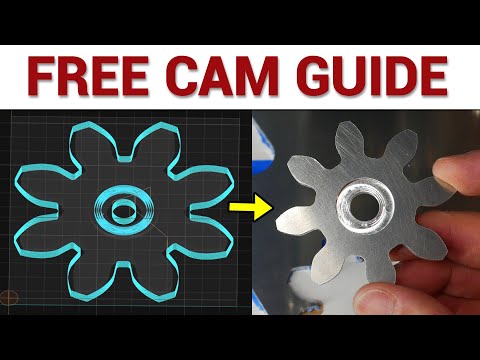
Kiri:Moto is a free, browser-based CAM (Computer-Aided Manufacturing) and toolpath generator designed for desktop CNC machines. It works with 2D, 2.5D, and 3D operations, making it a perfect companion for your Ender 3 CNC build.
Why Kiri:Moto?
- Browser-based – no heavy installation required.
- Supports milling, carving, and drawing operations.
- Compatible with GRBL, Marlin, and Klipper.
- Familiar interface for makers already comfortable with 3D printing.
Getting Started
- Open Kiri:Moto in a modern browser.
- Load your 3D model (
.STL,.OBJ,.SVGfor 2D operations). - Set your machine parameters:
- CNC type: “Cartesian”
- Bed size: Match your Ender 3 build
- Tool diameter: Match your spindle or endmill
- Configure the workspace and stock:
- Define material dimensions
- Set origin (bottom-left or center of stock)
- Choose your operation:
- 2D pockets, traces, or cuts
- 3D carving
- 3D adaptive clearing for larger parts
Workflow Tips
- Link stock and model – Ensure the model is positioned relative to the material to avoid collisions.
- Work Coordinate System (WCS) – Use the coordinate system to define origin and orientation for each part.
- Output – Select your post-processor:
- Klipper (
.gcode) - GRBL (
.nc) - Marlin (
.gcode) - Simulate – Always check the toolpath simulation before milling.
Integration with Ender3CNC
- Kiri:Moto output works directly with Klipper and GRBL-based workflows.
- Toolpaths generated in Kiri:Moto can be sent to your Raspberry Pi or Ubuntu laptop running your CNC controller.
- Supports dual Y-axis operations, ensuring synchronized movement across your upgraded Ender 3 CNC.
Tip
For complex parts, break your workflow into multiple operations: * Roughing pass → Finishing pass → Engraving or drilling * This reduces load on your motors and improves surface finish.
Learning Video